
SEO
|13 min read

Last updated on October 23, 2026
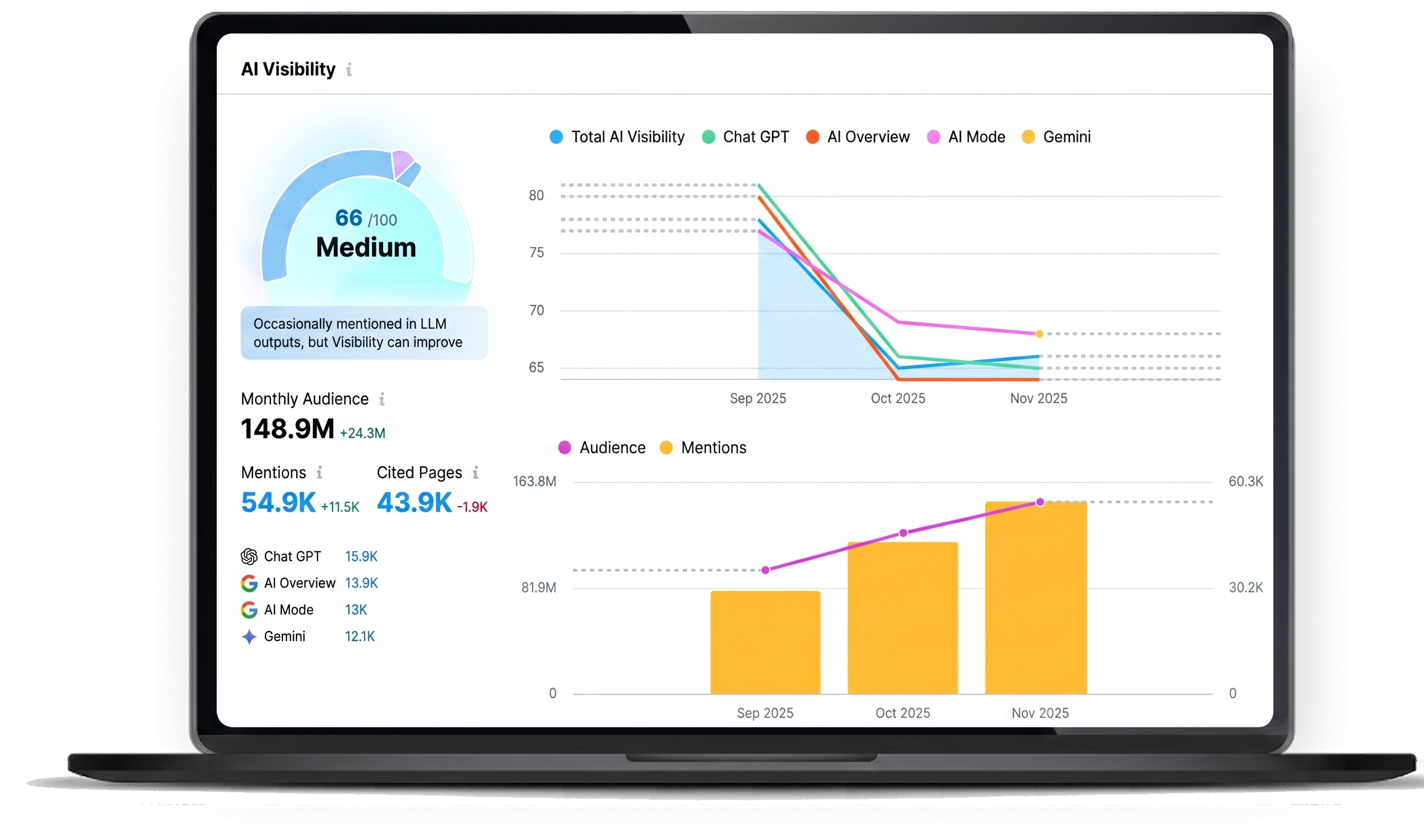
Quick Answer: Google's AI Overviews answer a lot of homeowner questions right on the results page, so fewer people click through to your site and organic traffic drops, even when your rankings hold. The searches that book jobs, like "roof replacement near me," get hit less than your blog posts and cost guides. Use Search Console to confirm what's causing your drop, track booked appointments instead of traffic, rewrite titles on pages that rank but don't get clicked, and write pages AI tools can quote.
Your search engine optimization (SEO) report says you're fine. You're on page one for the searches you care about, and a few rankings even went up this year. Organic traffic is down anyway, and the phone isn't ringing from Google the way it did a year ago.
If it's happening to you, an hour in Google Search Console will tell you most of what you need to know, and the fixes mostly involve pages you already have.

AI Overviews cut clicks because Google now writes the answer itself, right at the top of the results page, so a lot of homeowners get what they need without ever visiting a contractor's site. AI Overviews are AI-written summaries that sit above the regular results, with links to a few of the pages Google pulled from. Somebody searching "how long does a roof replacement take" reads three sentences and moves on.
Pew Research Center measured the effect. When an AI summary showed up, people clicked a regular search result on 8% of visits. Without one, they clicked on 15%, and links inside the summary got clicked about 1% of the time.
That means a page can hold its ranking, or even climb, and still bring in fewer visitors than it did a year ago. Research and how-to content takes the biggest hit, while service pages tend to hold up better. For a contractor, the gap usually shows up as fewer calls and estimate requests while every ranking report says things are fine.
Questions and long research searches get hit hardest, and short local searches and searches for your company name get hit the least. In the Pew data, 60% of searches that started with a question word pulled up an AI summary, and so did 53% of searches ten words or longer. For one- and two-word searches, it was 8%.
That's good news for most contractors, because the searches that turn into booked jobs tend to be the short, local ones. Roughly, it shakes out like this:
|
Search type |
Example |
AI Overview exposure |
What to do |
|
Cost and research questions |
"how much does a pool remodel cost" |
High |
Answer it in the first line, then add local detail a summary can't |
|
How-to and DIY questions |
"how to tell if my windows need replacing" |
High |
Keep the page and judge it by the leads it brings in |
|
Long comparisons |
"impact windows vs hurricane shutters for a Florida home" |
High |
Give a clear verdict or table AI can cite, with your name on it |
|
Service plus city |
"fence installation Boca Raton" |
Lower |
Protect these first, since they drive calls |
|
"Near me" and brand searches |
"roofer near me," your company name |
Lower |
Keep your Google Business Profile and reviews fresh |
So if most of your lost traffic is on blog posts and cost guides, AI Overviews are the likely culprit, and your lead flow may be in better shape than the traffic chart makes it look. If your service and city pages are sliding too, there's probably more than one thing going on.

Look for pages where your average position held steady or went up but the click-through rate fell. That's the AI Overview fingerprint. Other causes look different, and most sites have more than one going at once.
The usual suspects to rule in or out:
That last one is easy to miss, because both pages look healthy on their own. It's also worth ruling out a real ranking drop or pages that fell out of Google's index.
To check your own site in Google Search Console:
Booked appointments from organic search. That's the number to watch first, with clicks and impressions as background. You'll probably keep getting fewer clicks, so don't build your plan around them coming back.
What you can control is how many of the people who do click end up calling, filling out a form or booking an estimate. Google's documentation on AI features says clicks from results pages with AI Overviews are "higher quality," meaning people tend to stay on the site longer. That makes sense. Someone who read the summary and still clicked through is often further along and closer to picking up the phone.
Five numbers worth having on your monthly report:
The first two only work if your tracking is set up. Tags on your links (UTM parameters) and Google Tag Manager label every form and booking with where it came from, then send those conversions back to Google and Meta. You stop guessing which pages bring in jobs, and you have a number to show the owner even in a month when traffic dips.
Rewrite the titles and meta descriptions on pages that rank in positions 4 to 15 but get clicked a lot less than your other pages, then make sure each of those pages can take a call or a form. It's the quickest win here. There's no universal cutoff, so compare each page against your own site's average CTR for the same positions.
How to do it:
Don't skip that last one. Some sites still serve stripped-down mobile copies of their pages, called Accelerated Mobile Pages (AMP), with no tracking, no forms and no calls to action (CTAs). Every click that lands on one is a lead you can't capture, so if your site still runs AMP, check those pages first.
It's the same idea behind every stage of window and door lead generation: a visit doesn't count until it turns into a booked consultation.
Answer one specific question in the first sentence or two, back it up with real details from your own jobs, and make sure any structured data on the page matches what people can actually see. Google says you don't need special schema, AI text files or any other extra setup to show up in AI Overviews. The page has to be indexed and eligible for a regular search snippet. After that, it comes down to clear, useful content.
Getting quoted is worth something even when nobody clicks. Pew found 88% of AI summaries cited at least three sources, so your company can be one of the names a homeowner sees.
What tends to help:
If you're a roofer, Rizen's roofing SEO framework shows this page by page, with the same answer-first approach applied to cost, insurance and material questions.
Give the AI tools plenty to find: a complete Google Business Profile (GBP), a steady stream of reviews and business details that match everywhere you're listed. When a homeowner asks ChatGPT or Google's AI Mode for a contractor, the answer draws on what those tools can find about you. It's a separate thing from AI Overviews, and it's growing quickly.
A few things to do:
Your profile does a lot of the work here, and the setup steps in this Google Business Profile guide for roofers work for any home service trade.
Yes, if you judge it by booked jobs. AI Overviews pull from pages that are indexed and eligible for regular search, so SEO is how you end up cited at all. And the searches that bring in most calls, like "service + city" and "near me," don't trigger AI Overviews nearly as often.
Moving some money into paid search for your best services can make sense, but cutting SEO completely usually costs more down the road. Homeowners who see your ad often look you up afterward, and your organic pages are what they find. Compare cost per booked appointment across channels before you move anything.
Answer engine optimization (AEO) is setting up your content so search features and AI assistants can pull a direct answer from it. Generative engine optimization (GEO) is getting your business cited or recommended by AI tools like ChatGPT and Google's AI Mode. They overlap a lot, and the same clear, well-sourced pages help with both.
You can limit it with Google's snippet controls, like nosnippet and max-snippet, but they apply to all of Search. Your regular listing loses its description too, and for most home service businesses that costs more clicks than it saves. You're better off making the click worth it with a stronger title, a local offer and a page that converts.
Title and description rewrites usually show up first, since Google just has to recrawl the page. Give any change at least a month before you judge it.
Rizen has been building marketing for roofing, window and door, pool and fence companies for more than a decade. Rizen's SEO + AEO service builds pages that rank on Google and get cited in AI answers from tools like ChatGPT and Gemini, then ties them to tracking and a CRM setup that shows which pages lead to booked appointments.
Book a strategy call with Rizen's SEO + AEO team to find where your organic leads are slipping and which pages to fix first.
These Stories on Roofers


No Comments Yet
Let us know what you think